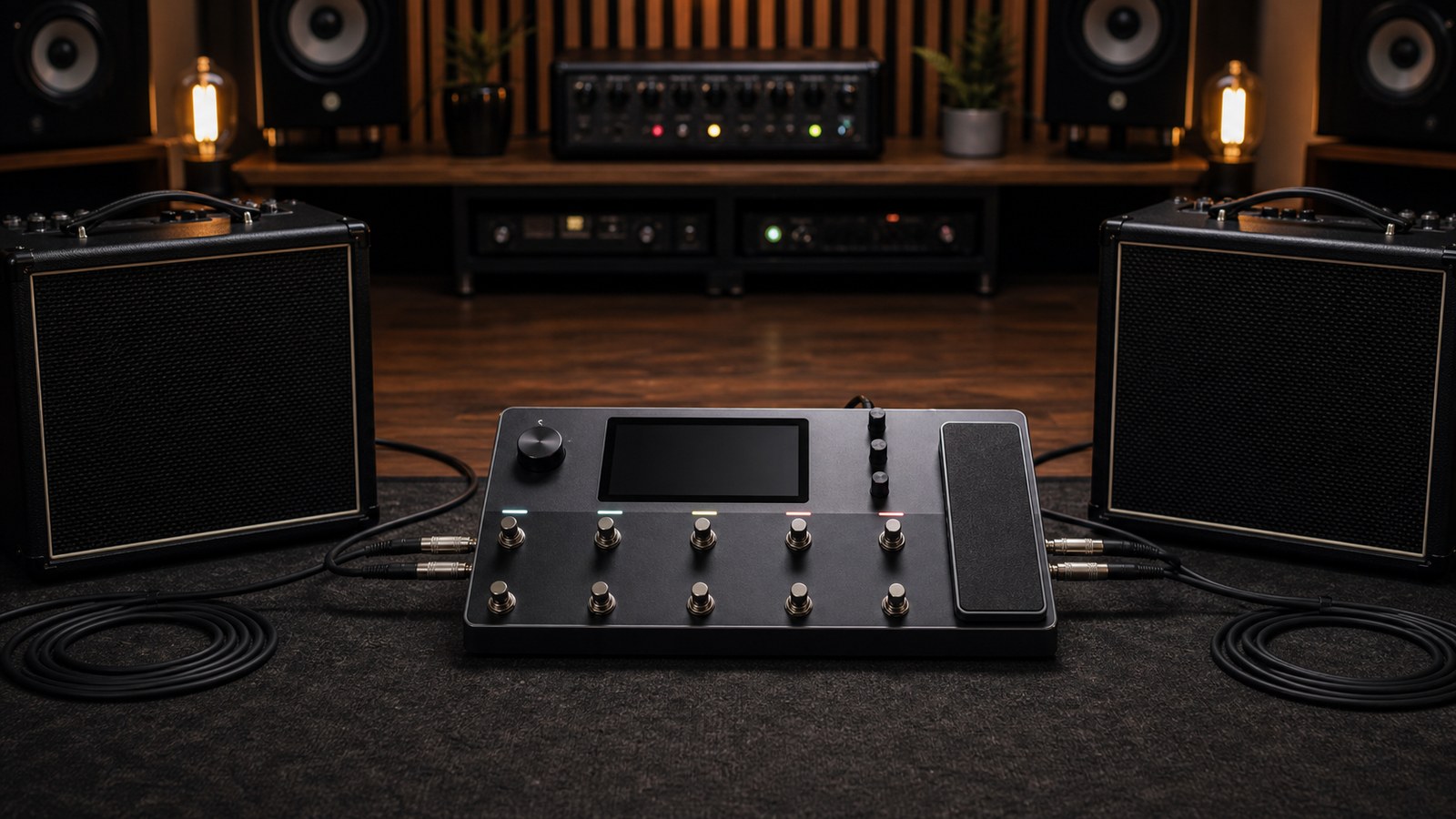
Stereo on a Quad Cortex done right is dramatic. Done wrong it is a recipe for phase issues, mono-incompatible mixes, and disappointed audiences. Here is what makes a stereo rig actually deliver, both live and in the studio.
What stereo means in this context
We are not talking about wide-stereo widening tricks. We mean an actual stereo signal, where left and right outputs of the unit carry different content, and the difference between them is musically meaningful.
The Quad Cortex has stereo outputs. Many effects in the unit can produce stereo output. But a preset that uses only mono blocks and outputs the same signal to both outputs is mono no matter how it is wired. The grid has to actually have stereo information moving through it for stereo to mean anything.
Where stereo lives in a preset
Stereo in a Quad Cortex preset comes from one or more of:
- Stereo time effects (delay, ping-pong delay, stereo reverb)
- Stereo modulation (stereo chorus, stereo flanger)
- A dual-amp setup with two different amps panned hard left and right
- A parallel routing chain that produces different signal on each side
Anything before the first stereo block is mono. Anything after a stereo block can carry stereo information, but only if the subsequent blocks do not collapse it back to mono.
Watch the path width
The Quad Cortex’s grid lets you set up a path that is mono until a certain point, then widens to stereo. Many factory presets do this, narrowing the path back at the output for compatibility.
Two practical points:
- A mono cab block placed after a stereo reverb collapses the reverb back to mono. Use a stereo cab option, or place the cab before the reverb.
- A capture block is mono unless it has been captured as stereo (rare). Putting a stereo modulation effect before a mono capture flattens the stereo image.
Read your grid left to right and ask: where does stereo first appear? Does anything after that point collapse it?
Studio stereo: dual-amp setups
A great-sounding studio stereo trick is to run two different amps in parallel, panned hard left and right. You get a wider, more dimensional rhythm tone than a single amp can produce.
Setup:
- Path A: drive, amp A (slightly mid-forward, e.g. a Marshall capture), cab IR A, panned hard left
- Path B: drive, amp B (slightly more scooped, e.g. a Mesa capture), cab IR B, panned hard right
- Sum at the output
The two amps should not be wildly different. If one is a clean Twin and the other is a dimed 5150, the result is incoherent. Two voices of the same tone family produce a bigger version of one tone, not a fight between two tones.
Test this in mono before you commit. If anything important disappears in mono, your two paths are out of phase. Try inverting polarity on one path.
Studio stereo: ping-pong and ambient
For solo guitar work, a stereo delay or reverb is often all the stereo you need. A ping-pong delay set to dotted eighth, with the wet returns panned left and right, is one of the most musical effects on any rig.
Settings to try:
- Ping-pong delay, time at 380 ms
- Mix around 30 percent
- Feedback around 35 percent
- Modulation slight
Combine with a stereo plate or hall reverb after the delay, and a single guitar takes on the dimensionality of an ensemble.
Live stereo: when it works and when it does not
Live stereo is a smaller win than people think. Two factors:
- Most rooms below 500 capacity do not have a stereo PA wide enough for the audience to perceive stereo as meaningful. The kick drum is mono, the bass is mono, the lead vocal is mono. Your guitar going stereo into a narrow PA mostly muddies things.
- An audience standing off-centre hears one side dominate, which can make a stereo guitar tone confusing instead of impressive.
Run mono out for most live applications. Save stereo for festival rigs, in-ears, and recording.
The exception is in-ear monitoring. If you are running in-ears, send stereo to your own ears even if you send mono to front-of-house. Hearing your stereo delay correctly during your own performance is worth a lot.
In-ear stereo
If you have in-ears, configure a stereo mix specifically for them. The PA output to front-of-house can be mono. A separate stereo output to the in-ear system gives you the full picture of your own rig.
Most Quad Cortex setups can run main outputs (mono to PA) and headphone or secondary outputs (stereo to in-ears) simultaneously. Use that. It is one of the small features that elevates the unit from “amp sim with footswitches” to “full stage rig”.
Mono compatibility
Whatever stereo you build, sum it to mono and listen.
- Did anything important disappear?
- Did the tone get noticeably thinner?
- Did the reverb tail change character?
If any of these happen, you have phase issues. Common causes:
- A stereo modulation effect with extreme stereo width settings
- A dual-amp setup with mismatched cab IRs that cancel in the bass register
- Stereo widening tricks applied artificially to a mono signal
The fix is usually backing off the stereo width parameter, swapping a cab IR, or inverting polarity on one path.
A simple stereo template to try
If you want to dip a toe in:
- Load any preset you like
- Add a stereo ping-pong delay before the output
- Set the delay to dotted eighth, mix 25 percent, feedback 30 percent
- Add a small stereo plate reverb after the delay, mix 15 percent
- Save as a copy
That preset is now stereo. Listen on headphones. The space alone should sell you on the idea.
In the next post we move into the studio more deeply, looking at the Quad Cortex as your primary audio interface for tracking everything, not just guitar.