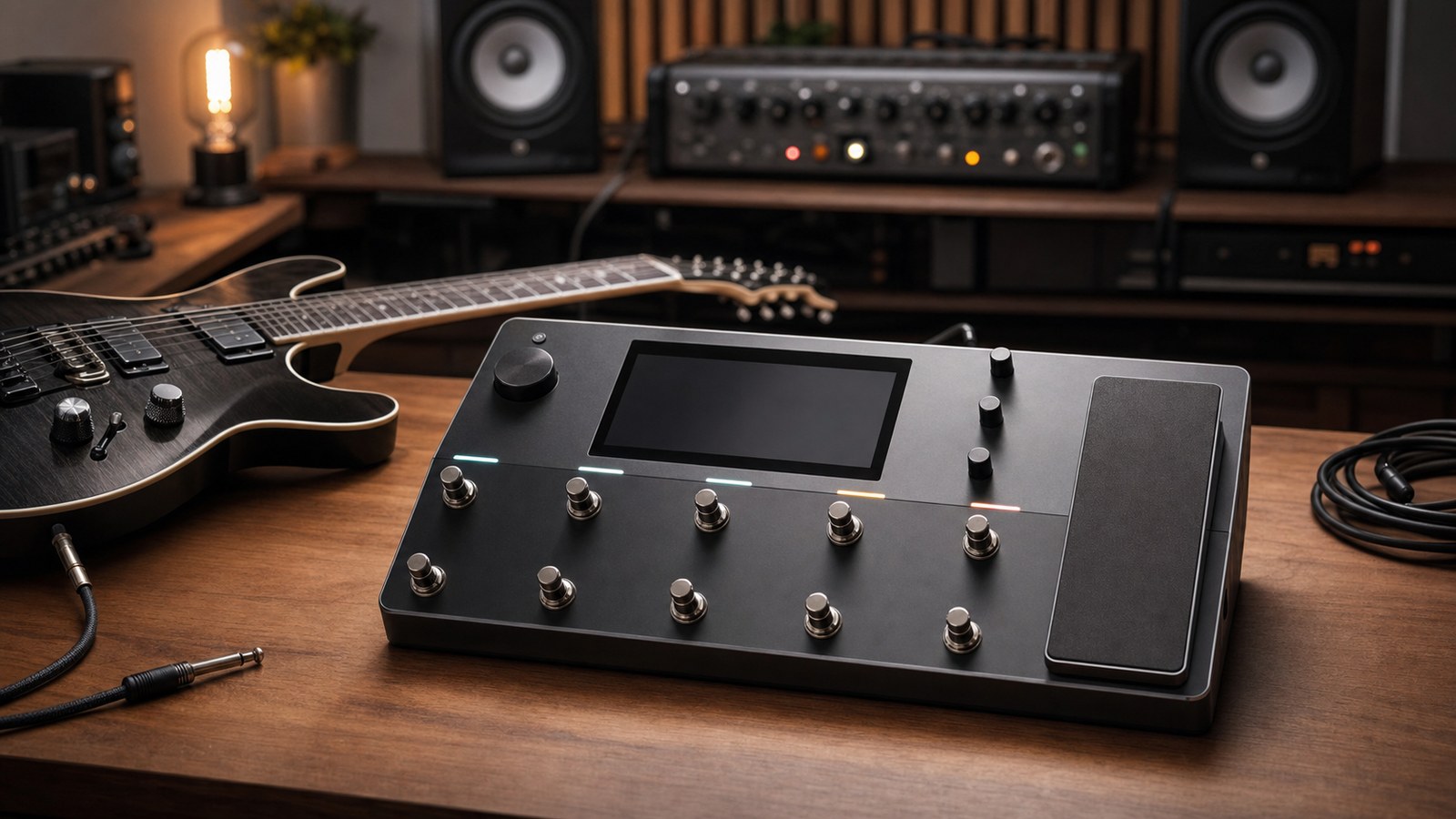
If you have just unboxed a Quad Cortex, the word “preset” will follow you everywhere. Every demo on YouTube ships with one. Every artist signature pack is built around them. And every time you load one of ours, you are essentially borrowing a fully assembled rig that someone else has already sweated over.
Before we get into genre guides and signal-chain breakdowns later in the series, it is worth slowing down on the basics. What is a preset, really? What does the Quad Cortex store inside one? And why should you care about loading other people’s tones instead of building everything from scratch?
What a preset actually is
A Quad Cortex preset is a saved snapshot of an entire signal chain. That includes:
- The blocks you have placed on the grid (amps, cabs, drives, modulation, delays, reverbs, EQs, compressors, captures, gates).
- The exact parameter values inside each block.
- The routing between blocks, including parallel paths and any splits or merges.
- Input and output settings for that scene.
- Scene-level tweaks that change which blocks are active or how a few key parameters change between scenes.
When you load a preset, the Quad Cortex restores all of that in one go. You are not just changing an amp model. You are loading the whole rig, the whole pedalboard, and every routing decision the original creator made.
Presets vs captures
This trips up almost every new owner, so we will hammer it once and come back to it in a dedicated post.
A capture is a model of one specific piece of gear, usually an amp or pedal. It lives inside a preset as a single block. A preset is the full chain that the capture sits inside. You can drop the same capture into ten different presets and get ten different sounds depending on what surrounds it.
Treat captures as the raw ingredient. Treat the preset as the finished dish.
Why presets save you time
The Quad Cortex is powerful enough to be intimidating. The grid is empty by default, and there are dozens of amp models, hundreds of captures, and a deep effects library. Building a tone you actually like, not just a tone that technically works, takes hours.
Loading a well-built preset short-circuits that. You get to start from a finished sound and tweak from there. That is a much better learning experience than starting from a blank grid because you can reverse-engineer the choices the creator made. Why did they put the drive after the EQ instead of before? Why is the cab block running at a slightly negative gain? Why is there a high-pass filter at 90 Hz on the main output? Each of those decisions is a small lesson.
What you cannot store in a preset
A preset captures the device state, but it cannot store:
- Your guitar, your pickups, or your fingers. Two players running the same preset will sound different. That is normal.
- Your room or your monitoring chain. A preset that sounds enormous through studio monitors might sound thin through a small Bluetooth speaker.
- IRs that the preset relied on if you have not loaded those impulse responses onto your unit. Newer firmware bundles IRs into the preset where licensing allows, but third-party IR packs sometimes need to be installed separately.
If a preset sounds wrong on first load, those three are usually the culprit before any actual tone problem.
Why third-party presets are worth it
The cynical answer is that not everyone wants to spend their weekend dialling in cleans. The honest answer is that good presets are a shortcut to taste. You are paying for the hours that someone else spent A/B-testing cab IRs, picking the right capture for a specific genre, and balancing scenes so the rhythm tone and the lead tone feel like they belong to the same instrument.
A pack from a working session player is a different proposition to a free pack from someone who has owned the unit for a week. The first one bakes in years of recording experience. The second one gives you a starting point.
Both have a place. Just know which one you are buying.
Where to go from here
Now that you know what a preset is, the next two posts in this series cover how to install third-party presets on your unit, and the difference between presets and captures in more depth. After that we get into the fun part: dialling in actual tones for actual genres.
If you are itching to load something now, browse our preset packs and pick one that matches the music you are playing this month. Loading a preset that fits the song you are currently writing is the fastest way to learn how the Quad Cortex thinks.