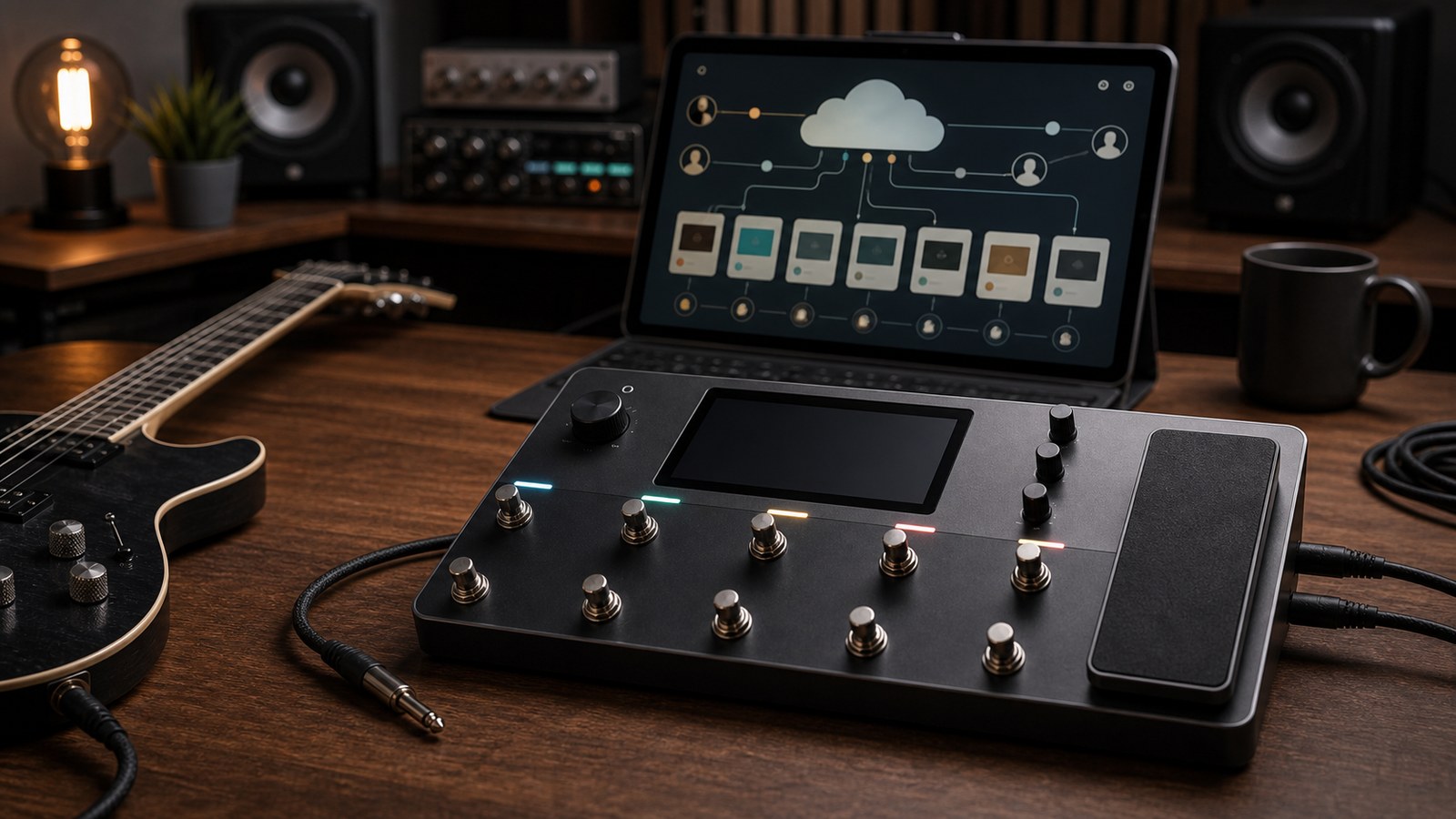
Cortex Cloud is the part of the Quad Cortex experience that most marketing skips over and most users underuse. It is the unit’s library of community-shared presets, captures, and IRs, plus the sync layer that ties your unit to your account. Used well, it is one of the most useful features Neural DSP has built. Used poorly, it is a confusing dump of variable-quality content. Here is how to get the most out of it.
What Cortex Cloud actually is
Cortex Cloud serves several purposes:
- A backup destination for your library
- A social platform where users share presets and captures
- A storefront where some artists and brands sell paid packs
- A discovery surface for finding tones outside your existing library
- A sync layer that keeps your unit’s content matched between the device and your account
Each of these is worth thinking about separately.
Setting up your account
To access Cortex Cloud, you need a Neural DSP account, the unit connected to the internet via Wi-Fi or wired Ethernet, and the unit logged in to your account.
Once logged in, your unit appears in your account dashboard, and you can browse, download, and upload from the unit directly via touchscreen or via the web interface.
Take five minutes to set up two-factor authentication on your account. Your account stores money-equivalent assets (bought packs, your custom captures, your library backups). Treating it like a regular email account is irresponsible.
Finding good content
The Cortex Cloud browse experience surfaces popular content first. This is useful but biased: the most popular captures are often older and from early adopters. Newer, higher-quality captures sometimes hide further down.
A few search strategies that work:
- Search by amp model. “5150”, “Plexi”, “Twin Reverb”. Most captures are tagged with the source amp.
- Search by artist or producer. Captures by recognised producers are usually well-made. Search by names of producers whose records you respect.
- Sort by date. Newer captures sometimes use better techniques than older ones. Worth scanning even if download counts are lower.
- Read the descriptions. A capture with a clear description of the source amp, settings, and intended use is almost always better than one labelled “Awesome 5150!!!”
Quality varies wildly on the free side. A capture with 50,000 downloads is not necessarily better than one with 500 downloads. The 500-download capture might be from a session engineer who shared their actual studio rig.
Captures vs presets in the Cloud
Cortex Cloud hosts both captures (single device clones) and full presets (complete chains).
Captures are easier to share because they have fewer dependencies. A capture is one block.
Presets are richer but more fragile. A preset depends on captures, IRs, and any plugins it uses. The Cortex Cloud bundles these where possible, but third-party IRs that have not been licensed for redistribution sometimes do not travel with the preset. If you download a preset and it loads with a missing block, the description usually points you to where to source the missing dependency.
When to use the Cloud vs USB
Two install paths for content you have downloaded from the Cloud or from a paid pack:
- Cloud sync. Tap to download to your unit. Convenient, but slower on poor internet connections, and limited to content the Cloud can carry.
- USB drive. Download to your computer, copy to USB, import on the unit. More reliable, especially for large packs with many captures.
For a single capture, use the Cloud. For an entire pack of 50 presets and dependencies, use USB.
Uploading your own content
Sharing what you build is part of what makes the Cortex Cloud ecosystem work. Two reasons to share:
- It gives back to the community that helped you when you started
- It builds your profile if you make tones for a living
A few rules for good Cloud uploads:
- Title clearly. “Mesa Dual Rec, gain at 3 o’clock, modern rock rhythm” is better than “Sick Mesa Tone”.
- Describe the source. What amp, what settings, what cabinet, what microphones if relevant.
- Tag accurately. “Metal”, “Modern”, “Rhythm”. Helps people searching find it.
- Include a recording demo if you can. Some users link to a YouTube or audio sample. This is increasingly common and helps people decide whether to download.
Avoid uploading hundreds of slight variations of the same tone. The Cloud is already cluttered enough.
The paid layer
Some content on Cortex Cloud is paid. This includes professional preset packs, artist-endorsed signature packs, and high-quality capture libraries. The paid content is usually clearly marked and integrates with the same install flow as free content.
The simple rule: free content is great for casual exploration, paid content is usually higher quality and time-tested. Both have a place. We sell both formats ourselves and stand behind the value of well-made paid packs.
Beware of “captures of captures”
A genuine capture is taken from real hardware. Sometimes users upload “captures” that were actually taken from another digital model rather than a real amp. The result is a model of a model: lossy, often slightly off, and usually inferior to the original.
If a capture’s description does not specify what real hardware it was taken from, treat it with caution. Captures from clearly-identified hardware sources are generally trustworthy. Captures with no source description sometimes are not.
The plugin connection
Neural DSP plugins running natively on the Quad Cortex have their own integration with the Cloud. If you own a plugin licence, the Cloud can verify and install it on your unit. Presets built on top of those plugins can be shared via the Cloud and load correctly on any unit that has the matching plugin licence installed.
This is a relatively new part of the workflow and worth checking the Neural DSP documentation for current details.
Practical Cloud habits
A few habits we have settled on after years with the platform:
- Sync your library weekly. Quick check, takes a few minutes, ensures the Cloud has your most recent state.
- Download captures before you need them. Browsing during a session is a flow killer. Spend an hour now and then collecting captures into a “ready to try” folder.
- Favourite content you find useful. The Cloud’s favouriting feature lets you build a personal library of community content.
- Check what is new periodically. Talented producers occasionally drop captures of rigs that are too good to miss.
Privacy and visibility
When you upload, your username appears next to the content. Most users keep their real name or a recognisable artist name in their account profile. There is no “private upload” mode for the public Cloud (private library backups are separate). If you want to keep something private, do not upload it to the public side.
In our final post in this series, we work through the most common Quad Cortex tone problems and how to fix them. If you have ever wondered why your tone sounds wrong but cannot pinpoint why, that one is for you.