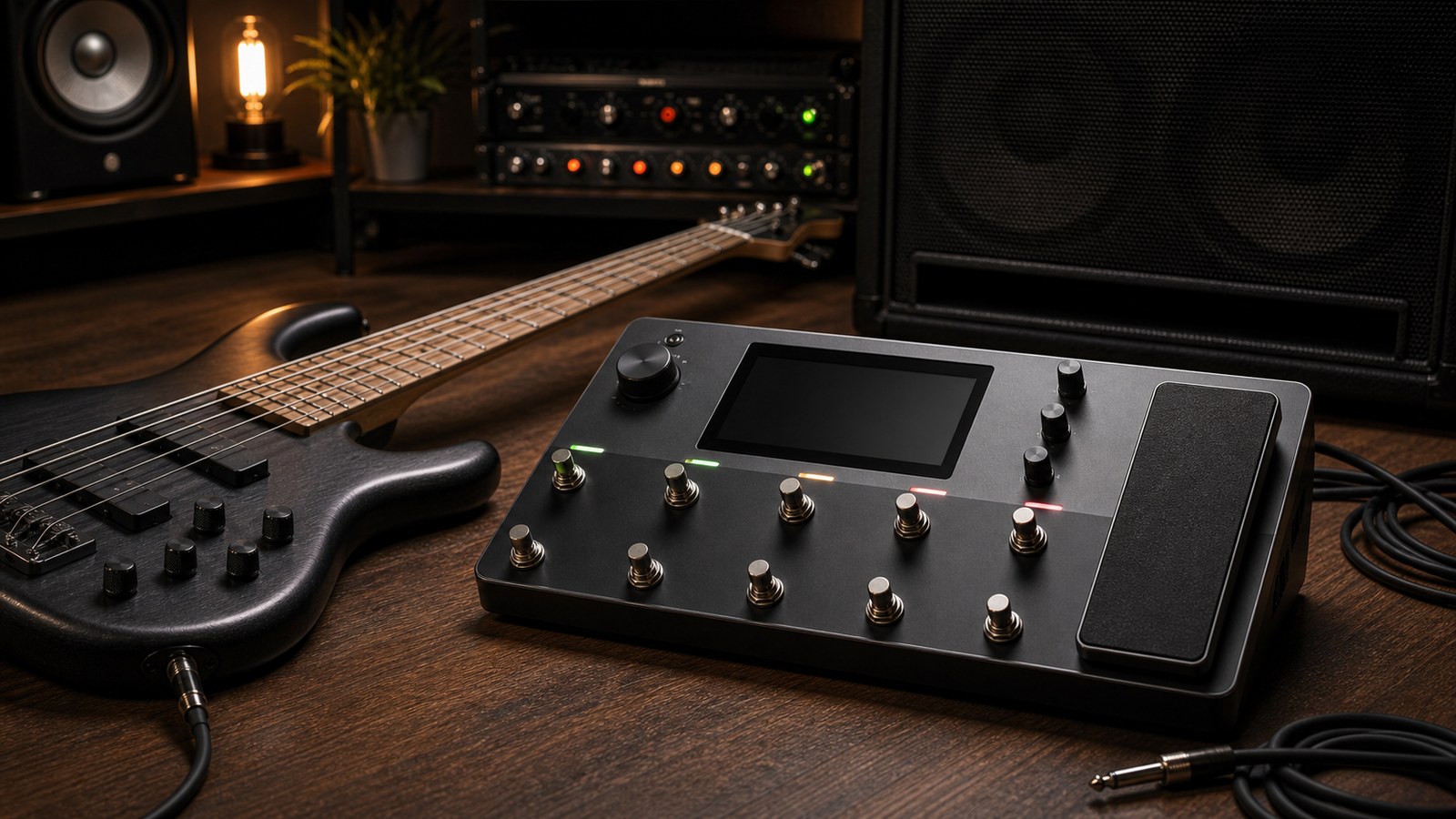
The Quad Cortex started its life marketed at guitarists, but the unit has bass-specific amp models, captures of bass amps, and DI behaviour that makes it a credible bass rig. Whether you are tracking bass at home or running stage tones through it, here is how we approach bass on the Quad Cortex.
What makes bass different
A bass tone is not a guitar tone with the EQ rolled down. The differences that matter:
- Bass needs a much cleaner low end. What sounds tight on a guitar at 80 Hz can sound boomy and undefined on a bass.
- Bass benefits from parallel processing more often than guitar does. A clean DI plus a dirty amp signal blended in is the foundation of most modern bass tones.
- Cab IRs for bass are different beasts. A 4×12 guitar cab IR will not give you the bass response of an 8×10 or a 1×15.
- Compression matters more on bass. Most bass parts need compression to sit consistently in a mix, even fingerstyle parts that feel even under your hands.
The signal chain we use
A versatile bass chain on the Quad Cortex:
- A compressor at the front
- A split into two parallel paths
- Path A: clean DI through a high-pass filter, panned centre
- Path B: a drive or grit pedal, into a bass amp model or capture, into a bass cab IR
- Sum at the output, with path A around 70 percent and path B around 30 percent for clean tones, reversed for grittier tones
- A final EQ for surgical tweaks
Each of those choices is doing real work. We will walk through them.
Block one: input compressor
A compressor at the front of the bass chain glues dynamics. Setting:
- Ratio: 3:1 to 4:1
- Threshold: enough for around 4 to 6 dB of gain reduction on average notes
- Attack: fast (5 to 10 ms)
- Release: medium (around 80 ms)
The trap is over-compressing and killing the dynamic life of the part. If the bass sounds lifeless after the compressor, back the threshold off until it breathes again.
For slap bass, the attack should be slightly slower so the picking transient survives.
The parallel split
The split lets you keep a clean, defined low end while running the dirt and amp character on a separate path. This is how most modern bass tones are built in studios, and the Quad Cortex’s grid makes it trivial.
Path A: the clean DI
This path carries the fundamental low end and the immediacy of the bass.
- A high-pass filter at 30 to 40 Hz to remove sub-rumble that adds nothing musical
- Optional EQ to gently shape the DI tone (a small lift around 80 Hz for warmth, a small lift around 800 Hz for finger noise definition)
- No saturation, no distortion
This path is mostly about tightness. Keep it clean, keep it controlled, and let path B add character.
Path B: the dirty amp path
This path is where the personality of the tone lives.
- A drive pedal model or capture in front. SansAmp Bass Driver-style and Darkglass-style drives are the workhorses here.
- A bass amp model or capture. The unit ships with a few good options, and Cortex Cloud has thousands of bass amp captures from real-world rigs.
- A cab IR designed for bass. An 8×10 IR for bigger tones, a 1×15 IR for warmer or more vintage tones, a 4×10 IR for everything in between.
Set the drive’s level lower than you think. The amp’s gain is already adding character. Stacking too much drive on top creates fizz that does not sit in a mix.
The cab IR question
For bass, cab IR choice is even more important than for guitar. A guitar cab IR will technically pass bass through, but the speaker response it captures is wrong for the instrument. Use a bass-specific cab IR every time.
What to look for:
- Source cab is an actual bass cabinet (8×10, 4×10, 1×15, 2×12)
- Recorded with a microphone suited to bass (a D6, beta 52, or RE20)
- Optionally with a DI summed into the IR for added definition
If you are using an artist-style preset pack, the cabs will already be matched to the amp. If you are building from scratch, audition cab IRs the same way you would for guitar: in context with a backing track, not in isolation.
Block six: post EQ
A final EQ after the parallel paths is for surgical fixes. Common bass moves:
- Slight cut around 250 Hz to clear muddiness
- Slight boost around 1 to 1.5 kHz for finger noise and definition
- High-pass at 30 Hz to remove subsonic content
- Low-pass at 6 to 8 kHz to tame any harshness from the dirt path
Fingerstyle bass usually needs less surgical EQ than pick bass. Pick bass benefits from a small boost around 1.5 kHz to bring the pick attack forward.
Specific tones to try
Modern rock fingerstyle. Compressor, clean DI heavy in the blend, light drive on path B, Ampeg SVT-style capture, 8×10 cab IR.
Modern metal pick bass. Heavier compression, Darkglass-style drive prominent, dirt path slightly louder than DI, 4×10 cab IR for clarity, post-EQ boost at 1.5 kHz.
Vintage soul. Light compression, no drive, Fender Bassman-style amp model, 2×12 or 1×15 cab IR, slight roll-off above 5 kHz.
Synth-bass replacement when synth is unavailable. Heavy compression, octave fuzz on path B, low-pass on path A at 200 Hz, dirt path heavily filtered above 1 kHz.
A note on bass plugins on the unit
Some Neural DSP plugins available natively on the Quad Cortex are bass-focused (Parallax, for example). If you are running one of those, the chain we described above is largely redundant because the plugin includes its own DI/amp split, drives, and cab options. In that case, treat the plugin as a complete rig and use it as the centre of your preset rather than rebuilding parallel paths around it.
Live considerations
For bass live, send a clean DI to front-of-house regardless of what your stage tone looks like. Most engineers want the cleanest possible signal so they can shape it for the room. Your stage tone can be as gritty and weird as you want, as long as the DI feeding the desk is clean.
Use the unit’s dual-output capability. Main outputs to your stage rig. Secondary or DI output to the desk. Set both at unity once at soundcheck and do not touch them mid-show.
In our next post we look at acoustic guitar through the Quad Cortex, which is more rewarding than most guitarists realise.