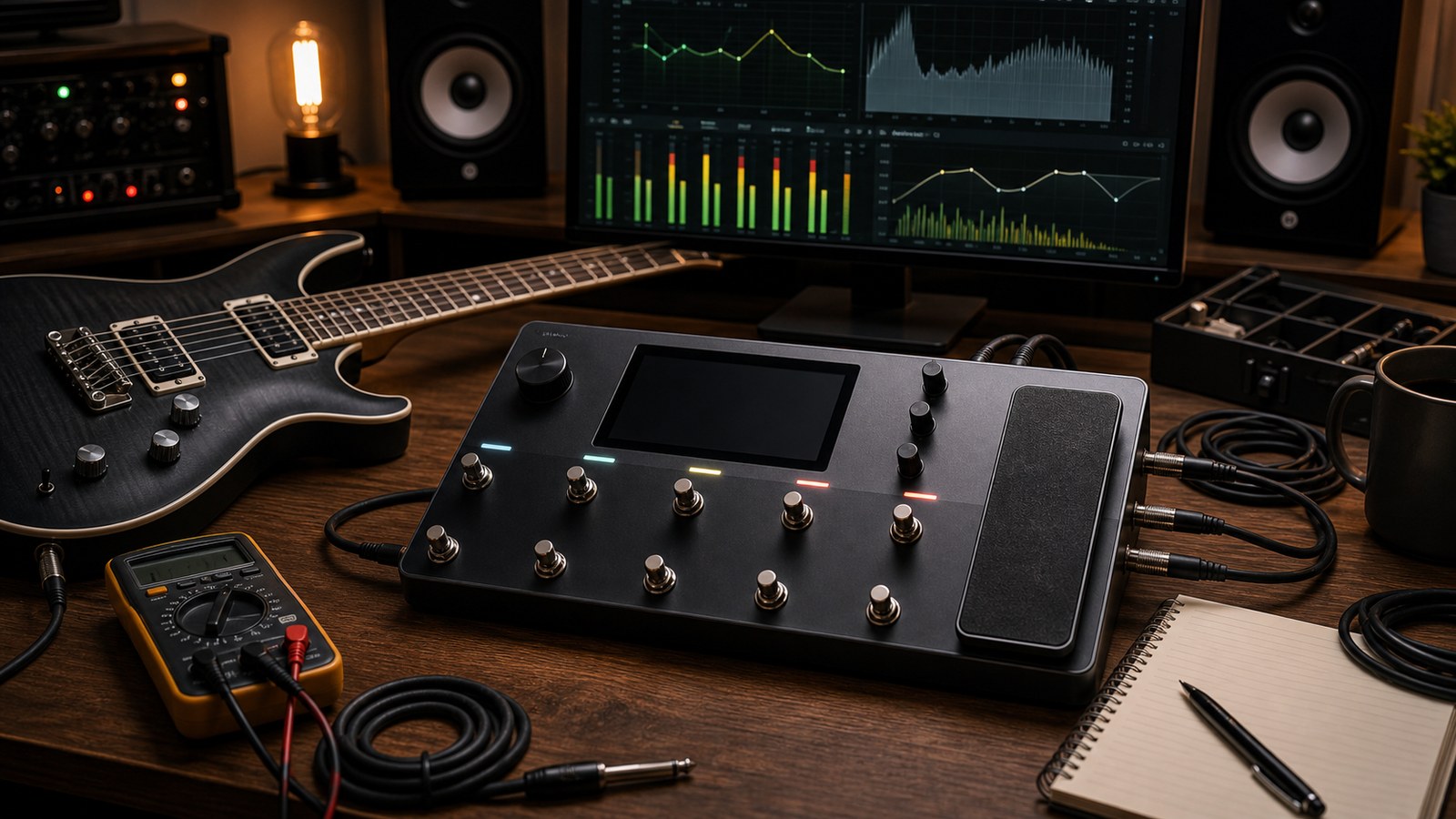
After enough time on the Quad Cortex, the same handful of tone complaints come up again and again. This post is a practical reference for diagnosing and fixing them. Bookmark it. The next time something sounds off, the answer is almost always in here.
“My tone is fizzy”
Fizz is excessive high-frequency noise riding on top of a distorted signal. It is the most common complaint among new Quad Cortex users.
Causes and fixes, in order of probability:
- Too much amp gain. Drop the amp’s gain by 1 to 2 points. Less gain is almost always tighter and less fizzy.
- Wrong cab IR. Audition different cab IRs. Cab IRs labelled “on-axis” or “cap-edge close mic” are bright by design. Try “cone-edge” or “off-axis” alternatives.
- No high cut after the cab. Add a low-pass filter or shelf at 8 to 10 kHz on a post-cab EQ. Most great-sounding records have a low-pass filter on guitar somewhere. The unit can do this in the chain.
- Drive pedal with the tone too high. If you have a Tube Screamer in front, lower its tone control to noon or just below.
- No high-frequency damping in the chain. A small dynamic EQ that reduces 4 to 5 kHz when the signal is loud can tame fizz without dulling the tone.
Fizz is almost never a problem with the Quad Cortex itself. It is a tone-shaping issue.
“My tone is muddy”
Mud is excessive low-mid energy that makes the tone sound undefined.
Causes and fixes:
- Too much bass on the amp. Lower the bass control by 1 to 2 points.
- Cab IR with too much body. Some cab IRs are warm and full alone, but in a mix they fight everything. Audition tighter alternatives.
- No high-pass in the chain. Add a high-pass filter at 80 to 100 Hz on a post-cab EQ. This single move fixes more mud than any other.
- 250 Hz buildup. A small cut around 250 Hz on a post-cab EQ is a classic mud-killer. 2 to 3 dB is usually enough.
- Stacked compressors. If you have a compressor at the front and another after the amp, you may be over-compressing low-frequency content. Remove one.
If the tone is muddy in the room but tight on a recording, the room is the issue, not the unit. Acoustic treatment helps.
“My tone feels weak or thin”
Weakness usually means the signal is not hitting the amp hard enough, or the cab IR is not delivering body.
Causes and fixes:
- Drive pedal level too low. A Tube Screamer with the level below unity makes everything weaker. Raise the level above unity.
- Amp gain too low for the song. Some songs need more gain than you think. If a low-gain amp tone feels thin in a busy mix, try a slightly higher-gain amp.
- Cab IR too thin. Some cab IRs are deliberately mix-friendly and thin in solo. They might be too thin for your context. Audition richer alternatives.
- Post-cab EQ cutting too much low end. Check that your high-pass filter is not above 100 Hz. Try lowering it to 90 Hz.
- Compressor squashing too aggressively. Over-compression kills the perceived energy of a tone. Loosen the compressor’s threshold.
Weakness is sometimes psychological. Solo a “weak” guitar tone in a mix and it often sits perfectly. Mix-ready tones often feel underwhelming alone.
“My presets are different volumes”
Inconsistent volume across your library makes preset switching jarring.
The fix is consistent gain staging across all presets. Pick a target output level (peaking at minus 6 dBFS on hard playing is a reasonable target) and adjust each preset’s main output level until they all hit that target.
The Quad Cortex’s main output meter is your reference. Spend an hour going through your library, playing the same passage on each preset, and adjusting outputs until the meter reads consistently.
This is tedious. It is also worth it. After this work, switching presets in the middle of a song does not surprise the audience.
“My captures sound off compared to the source amp”
If you captured an amp yourself and the result does not sound like the source:
- Check the capture process. The Quad Cortex’s capture process needs the source amp’s full signal range. If you stopped the capture early or the amp was muted partway through, the result will be incomplete.
- Check the cab. A capture is amp + cab unless you isolated them during the process. If you captured through a cab and you are now playing that capture without a cab block, you have double cab. Or if you captured the amp direct (with no cab) and you are playing the capture without a cab block, the result will be raw and harsh. Match the playback path to the capture method.
- Check the input level. Capture input level matters. If the source amp was being driven hard, the capture will represent that. If the source amp was on the verge of clean, the capture will be close to clean. The capture is a snapshot of one operating point.
A capture that sounds 90 percent right is the norm. 100 percent identical is rare and depends on perfect process. Treat your captures as starting points, not exact replicas.
“Something sounds wrong but I cannot pinpoint it”
If you cannot identify the problem:
- Bypass the unit. Compare the dry signal of the guitar with the processed tone. The dry signal tells you what your guitar actually sounds like. Sometimes the “wrong” tone is the guitar.
- Solo blocks. Bypass everything except the amp and cab. Listen. Then add blocks back one at a time. The block that introduces the wrongness is the problem.
- Switch to a known-good preset. If a third-party preset you trust sounds right and yours does not, the difference between them is the answer.
- Listen on different monitoring. What sounds wrong on monitors might be fine in headphones, or vice versa. The problem might be the room, not the tone.
Most “I cannot pinpoint it” problems are one of: a single bad block in the chain, monitoring colouration, or unrealistic expectations from auditioning in solo.
“My presets sound great alone but disappear in the mix”
This is the classic mix-versus-solo problem and is not a Quad Cortex issue specifically.
Fixes:
- Audition presets in context. Play along with backing tracks while building tones, not in solo.
- Cut the low-mid range. A small cut around 400 Hz on a post-cab EQ helps guitars sit above bass guitar in a mix.
- Boost upper-mid presence. A small boost around 2 to 3 kHz helps notes articulate over busy mixes.
- Reduce reverb and delay. Big atmospheric tones eat mix space. For tracking, back the time effects off and add them in mixing.
Mix-readiness is a skill. The more you produce, the better you get at building tones that sit immediately.
“My in-ears sound dramatically different to my main outputs”
This is normal. The unit’s main outputs are flat, and the in-ear feed is whatever you route to it. If you want them to match, route the same signal to both.
If you want the in-ear feed to be different (for instance, more guitar in your ears than at front-of-house), build that intentionally rather than fixing it on the fly.
“After a firmware update, a preset sounds different”
Occasionally a firmware update changes the behaviour of a specific block. If a preset suddenly sounds different after an update, check:
- The release notes for the update. Block changes are usually documented.
- The block in the preset that has changed. Comparing your current preset to your backup of the same preset before the update tells you exactly which parameter changed.
Most firmware updates do not change preset behaviour. The rare ones that do are reversible by adjusting the affected block.
A workflow for diagnosing tone problems
Whenever something sounds off:
- Listen with fresh ears. Take a five-minute break.
- Identify what you do not like in plain words. “Too fizzy”. “Muddy in the low-mids”. “Weak feel”.
- Look up the cause in this post or your own notes.
- Make one change at a time. Listen. Did it help?
- If the problem persists, undo the change and try the next likely cause.
Most tone problems get solved in three changes. If you find yourself making twenty changes without progress, take a longer break and come back.
And that closes out the series
This is the last in our twenty-post series. We hope it has been useful. Browse our preset packs if you want a starting point that has these lessons baked in already. We build packs that we use ourselves on real records and real stages, with the kind of attention to detail that this series describes.
Thanks for reading. If you have a topic you would like us to cover in a future post, get in touch. Some of the best posts in this series came from reader questions.
Common Quad Cortex Tone Problems and How to Fix Them