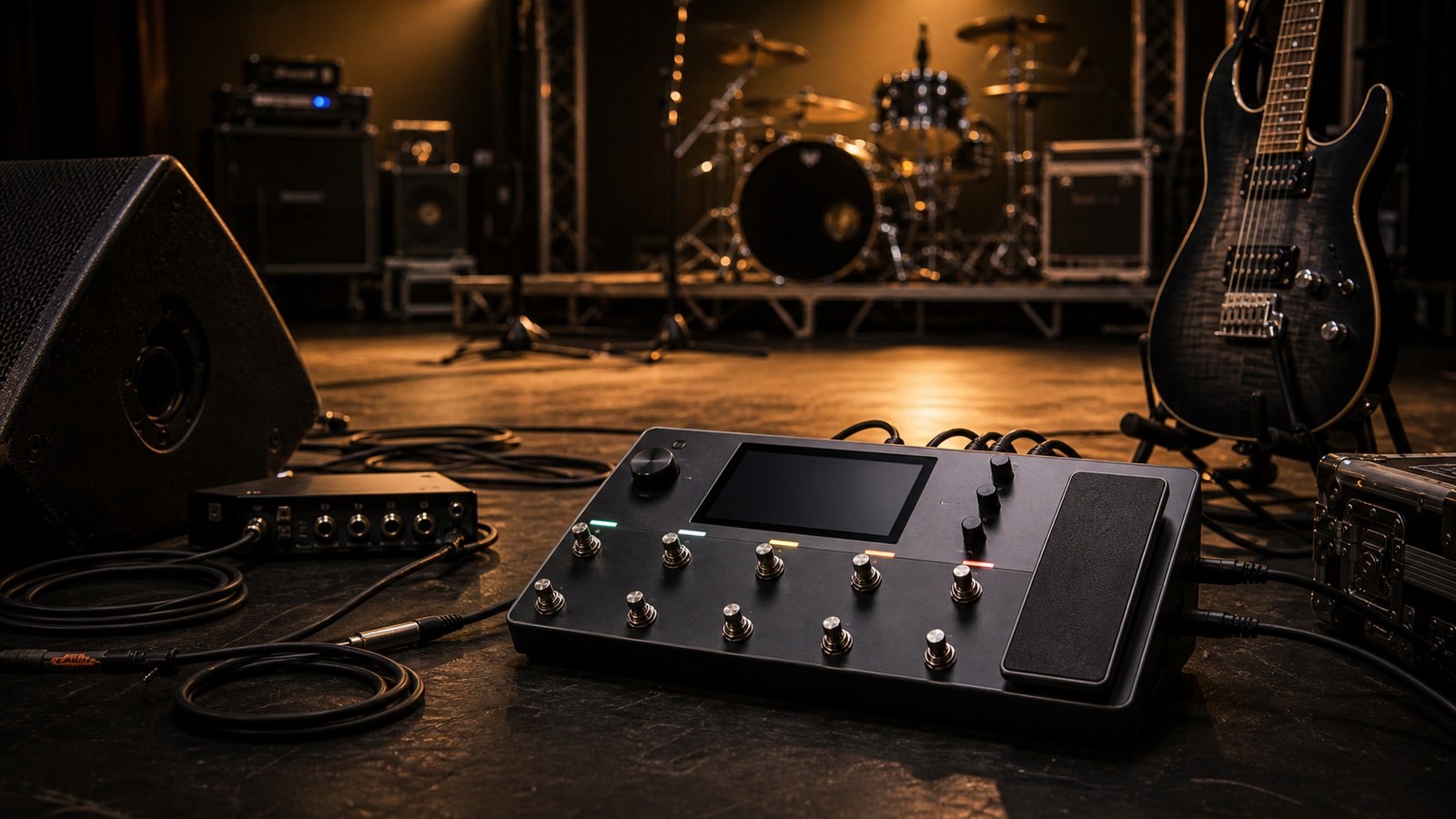
The Quad Cortex was designed with the stage in mind, but a unit that works at home can still throw surprises at a gig if you have not prepared. This post walks through how we set up a Quad Cortex for live performance and the small habits that have saved us from awkward moments in front of an audience.
Build setlists, not preset libraries
If you arrive at the venue with all 256 of your presets in alphabetical order, you will hate yourself by song three. Build a setlist in the unit’s setlist mode, with the songs in the order you are playing them, and the scenes pre-built for each song.
A reasonable structure:
- One preset per song, named with the song title and an order number (“01 – Opener”, “02 – Single”).
- Inside each preset, scene 1 is the verse tone, scene 2 is the chorus tone, scene 3 is the lead, scene 4 is whatever weird outro effect the song needs.
- The setlist is the sequence of presets in song order.
Switching presets becomes a single tap. Switching scenes inside a song is a footswitch press. You never need to think about what is two presets ahead of you.
Plan your scene assignments around how you actually play
Footswitch fatigue is real. If you are double-tapping switches mid-song, your brain is on the unit and not on the song. Some rules we use:
- Scene 1 should be your most-used tone in the song.
- Scenes 2 and 3 should be a tap to the right of scene 1 in the order you are most likely to need them.
- Avoid switching from scene 4 back to scene 1. It is a stretch on most layouts.
- Lead tones go on a switch you can hit with your foot already in playing position, not one you need to lean for.
Rehearse with the unit in setlist mode. If you ever have to look at the unit during a song, change the layout until you do not.
Outputs and the venue’s PA
Most front-of-house engineers prefer a balanced XLR feed. The Quad Cortex’s main outputs do this cleanly. Send a stereo feed if the engineer is happy to take two channels, otherwise mono is perfectly fine. Most rooms below 500 capacity will not benefit from your stereo width.
Run a parallel signal to your in-ears or wedge mix from the unit’s headphone or secondary output. Do not rely on the venue’s monitor send. Their EQ choices may not flatter your tone, and you have one job on stage which is hearing yourself well enough to play.
Set the unit’s main output level once at soundcheck, with the engineer, and do not touch it again. If you need to change your stage volume, change it at your monitor, not at the main output. The engineer’s mix depends on a stable feed.
A frequently underused output
The Quad Cortex has a dry-signal output option. Send the dry signal to a second channel on the desk. The engineer now has a clean DI guitar signal alongside your processed tone. If anything goes wrong with your processed sound during the show, the engineer can fall back to the dry signal through their own outboard or in-the-box rig and the audience may never notice.
This trick saved our hearing when a spurious USB connection corrupted a preset mid-set. The engineer flipped to the dry feed, ran it through a backup amp sim on the front-of-house rack, and the audience never heard a hiccup.
MIDI and external switching
If you use external MIDI switchers (a small footswitch unit at the front of the stage to keep your toes off the unit, for instance), program the MIDI mapping at home, not at soundcheck. Document the mapping in a text file on your phone so you can recover if the unit forgets a setting.
Common live MIDI assignments:
- One footswitch dedicated to “tuner mode”
- One footswitch as “tap tempo”
- The remaining footswitches as scene changes for the current preset
Avoid the temptation to map MIDI controllers to in-song parameters unless you have rehearsed the move. Live is not the place to discover that your wah pedal sweep is reversed.
The tuner
Get to a silent tuner instantly. Map a footswitch (on the unit or external) to mute and engage the tuner in one press. The audience should not hear you tuning. The other thing the audience should not hear is you walking on tiptoe to the unit.
Backups for the unforgiving moment
A few habits that have rescued us:
- Keep a USB drive in your gig bag with your full preset library. If the unit needs a factory reset, you can restore in minutes.
- Keep a printout of your setlist with preset names taped to the back of the unit. Touchscreens fail. Printouts do not.
- Keep a small clip-on tuner on your strap as a backup. The unit’s tuner is excellent, but a flat battery in your wireless can make it unreachable for thirty seconds.
- Run a backup expression pedal cable to the unit if you rely on a wah or volume pedal. Cables fail more than anything else in a rig.
- Run the unit on a quality power supply, not the venue’s wall outlet directly. A small power conditioner or a quality isolating supply is worth its weight.
Wireless guitars and the Quad Cortex
Wireless systems work fine with the Quad Cortex. The two things to check:
- Wireless receivers should be set to unity output, not boosted. Hot wireless rigs change your gain staging and your input gain at the unit will not be right anymore.
- The wireless receiver should be physically near the unit, not at the back of the stage. Closer means better signal and fewer dropouts.
Setlist changes mid-tour
If you need to add a song mid-tour, build the preset at home before the next show, not in the soundcheck of that show. Soundcheck is for confirming everything works, not for building tones. We have all done it. We have all regretted it.
A rough flow we follow before doors
- Unit on, setlist loaded
- Tuning checked through the unit’s tuner
- Output levels confirmed with the engineer
- Headphone or in-ear feed working
- Tap-tempo footswitch responding
- Backup USB stick visible in the bag
Once those six are checked, you can stop worrying about the rig and worry about the songs.
In the next post we look at how to take advantage of the unit’s stereo capabilities, both live and in the studio.
Gigging with the Quad Cortex: A Live Setup Walkthrough