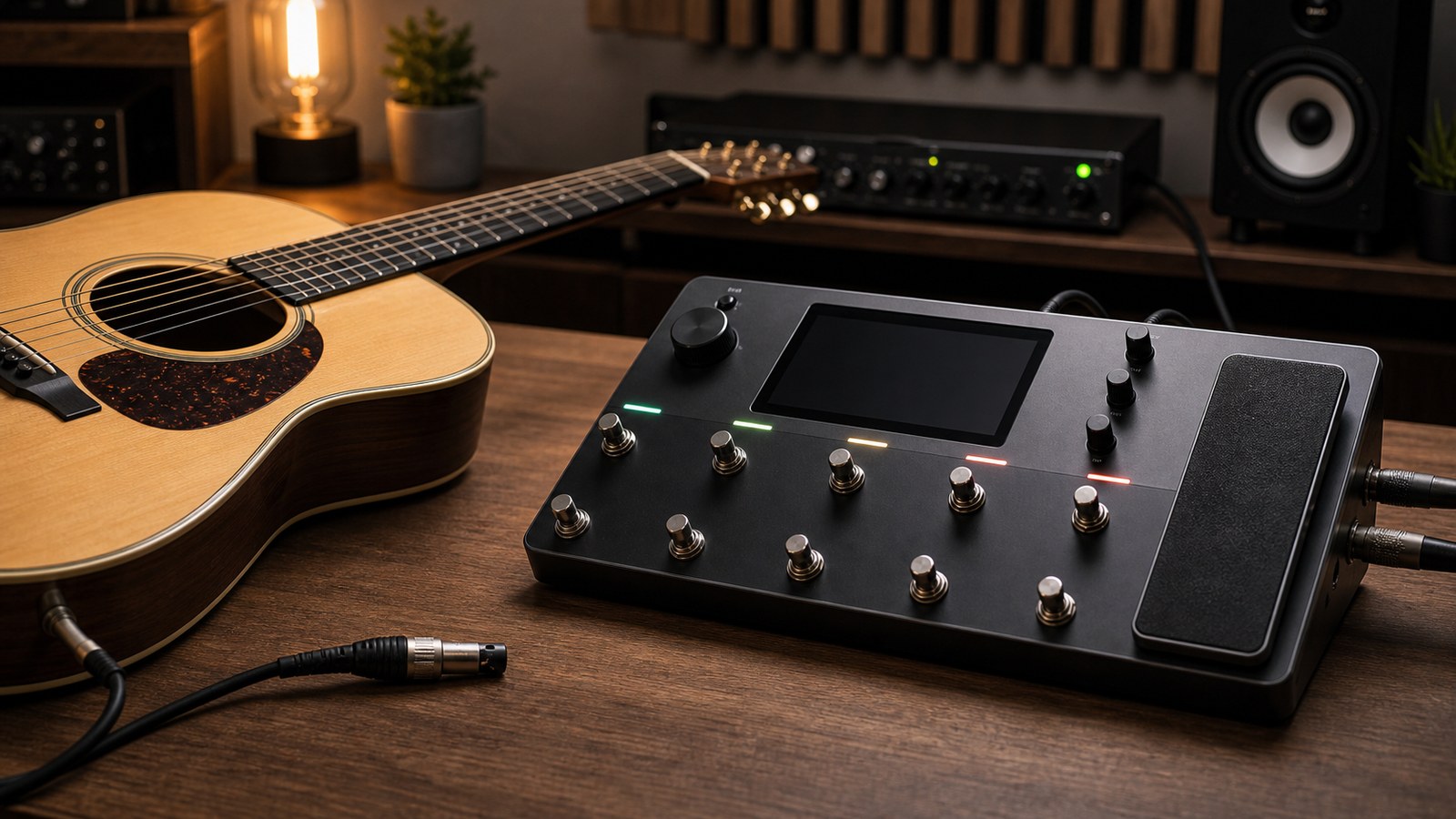
A piezo-equipped acoustic plugged direct into a PA sounds, charitably, like an electric guitar pretending to be acoustic. Plugged into a Quad Cortex with a properly built preset, the same instrument can sound like a microphone in front of a guitar in a nice room. Here is how to bridge that gap.
What is wrong with raw piezo signal
A piezo pickup measures vibrations in the bridge and saddle. It does not measure how the guitar sounds in the air. The result is a signal that has:
- Too much in the upper-midrange (the “quack”)
- Compressed dynamic response
- Almost no body resonance
- Very little of the woody character that makes acoustic guitars sound nice
- Often a slight phase issue with how the pickup interacts with the saddle
The Quad Cortex’s job is to reshape that signal into something that resembles a microphone recording.
The signal chain we use
A reliable acoustic chain on the unit:
- A pre-EQ to undo the worst of the piezo character
- A subtle compressor for evenness
- A “body” or acoustic IR to add resonance
- A post-EQ for fine-tuning
- A small reverb for room feel
- Output
Each block is doing a specific job.
Block one: pre-EQ
The first job is taming the piezo’s frequency response. A parametric EQ with these moves usually helps:
- Cut around 1.5 to 2 kHz by 3 to 6 dB. This is where the piezo “quack” lives.
- Cut around 4 kHz by 2 to 4 dB if the signal is harsh.
- Boost around 200 Hz by 2 to 3 dB for body. Be careful here. Too much and the guitar sounds boomy.
- High-pass at 80 Hz to remove low-frequency rumble that piezos pick up from cable handling.
These are starting points. Every guitar and every pickup is different. Sweep the cuts around to find the exact frequencies that bother your specific instrument.
Block two: compressor
A gentle compressor here makes the acoustic feel even without squashing dynamics.
- Ratio: 2:1 to 3:1
- Threshold: enough for 2 to 4 dB of gain reduction on louder strums
- Attack: medium-slow, so picking transients survive
- Release: medium
If the compressor is doing more than 4 dB of gain reduction on average playing, it is too aggressive. Acoustic guitar lives on its dynamics.
Block three: the body IR
This is the magic block. An acoustic body IR (sometimes called a “dynamic IR” or “body modeller”) models the acoustic resonance of a guitar body. Loading one into a cab block on the Quad Cortex transforms a piezo signal into something that sounds like a miked acoustic.
Look for IRs labelled as:
- “Acoustic body” or “dreadnought body”
- “Mic blend” with mic placement specified
- “Player perspective” or similar
Quality acoustic IR packs are worth their cost. A good acoustic IR is the single highest-impact block in this chain by a wide margin.
If your unit has built-in acoustic models or you are using a Neural DSP acoustic-focused plugin running natively on the Quad Cortex, those often include the body modelling internally. In that case, you can skip a separate body IR block.
Block four: post-EQ
After the body IR, a final EQ sweetens the result.
- A small boost around 80 Hz for warmth (1 to 2 dB)
- A small cut around 400 Hz if the result is muddy (1 to 2 dB)
- A small boost around 8 to 10 kHz for “air”
- Optional: a high-shelf filter for pick attack
The post-EQ should be subtle. If you find yourself making big moves here, the pre-EQ or body IR is wrong and you should fix that first.
Block five: reverb
Acoustic guitar lives in space. A small room or plate reverb gives the signal somewhere to sit.
For a natural sound:
- Type: small room or plate
- Decay: 1 to 1.5 seconds
- Pre-delay: 15 to 25 ms
- Mix: 15 to 20 percent
If you are tracking for a record, print the acoustic with the reverb backed off and add reverb in the mix. If you are playing live, a touch of reverb in the preset is welcome because it disguises the room you are playing in.
Specific tones to try
Singer-songwriter strumming. Pre-EQ as above, compressor at 3:1, body IR labelled “dreadnought close mic”, small boost at 8 kHz, plate reverb at 15 percent.
Fingerstyle solo. Less pre-EQ cut at 1.5 kHz (you want some of that quack for fingerstyle articulation), lighter compression, body IR labelled “small body” or “OM-style”, more reverb (around 25 percent).
Live performance with a band. Heavier high-pass at 100 Hz to leave room for bass guitar, more compression for consistency, body IR with brighter mic position, less reverb (10 percent or off entirely, let the room provide it).
What about magnetic acoustic pickups
If your acoustic uses a magnetic soundhole pickup rather than a piezo, the chain is slightly different. Magnetic pickups produce a warmer, less quacky signal that is closer to electric guitar in character. You need less pre-EQ correction and the body IR makes a smaller difference because the pickup is already capturing some body resonance.
Some players use both pickup types and blend them. The Quad Cortex supports this with two input paths if your guitar has a stereo output, or with sequential takes if not.
A live tip
If you are switching between acoustic and electric in the same set, build dedicated acoustic presets and put them adjacent to your electric presets in your setlist. The biggest mistake is reaching for an electric clean preset when the acoustic plugs in. The signal level and EQ shaping are completely different. A real acoustic preset, even a basic one, is a huge upgrade.
A note on feedback
Acoustic guitar live with any amplification is prone to low-frequency feedback. The Quad Cortex’s parametric EQ can help. Identify the feedback frequency at soundcheck (it is usually somewhere between 100 and 250 Hz) and notch it out with a narrow cut of 6 dB. The notch is invisible to the music and kills the feedback.
In our next post we go back to electric guitar and into the world of djent, where the Quad Cortex is in its element.
Acoustic Guitar Through the Quad Cortex Done Right